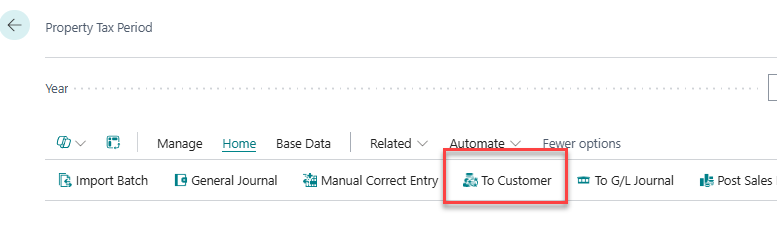
Proceed by posting the first payment due date for customers.
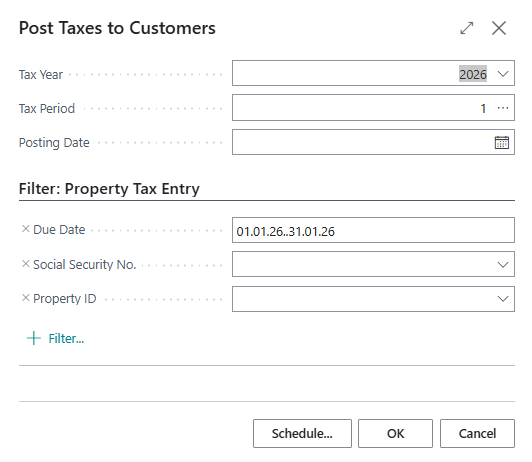
A window opens, and the correct year and the selected period should appear automatically. The due dates are also automatically selected to match the period.
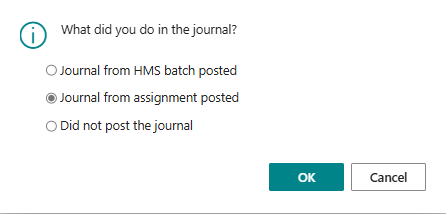
Go back to the General Journal (confirm that the period is correct) and post it. When the window is closed, the system will again ask what was done in the journal. Select “Journal from assignment posted” and click OK.
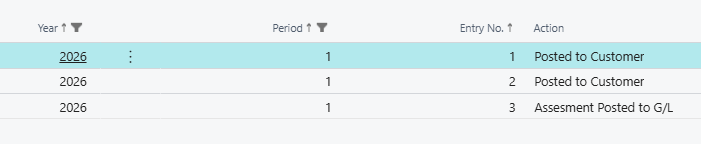
The status of the period changes to “Assignment posted to G/L”