
The next step in the process is to transfer property taxes to operations for “Mark Owned Properties”
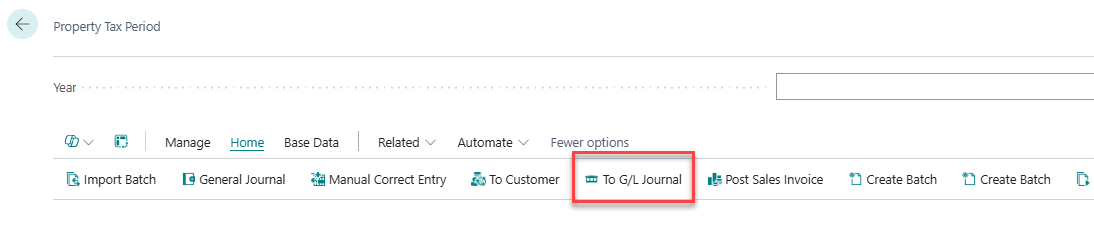
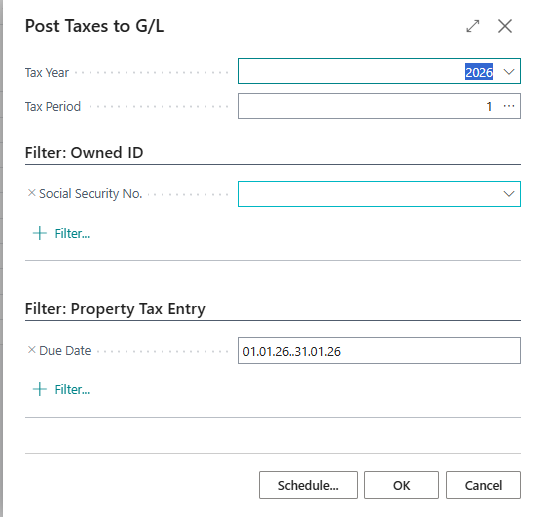
A window will open, and the correct year and the selected period should automatically be pre-filled. The due dates are also automatically selected in accordance with the chosen period.
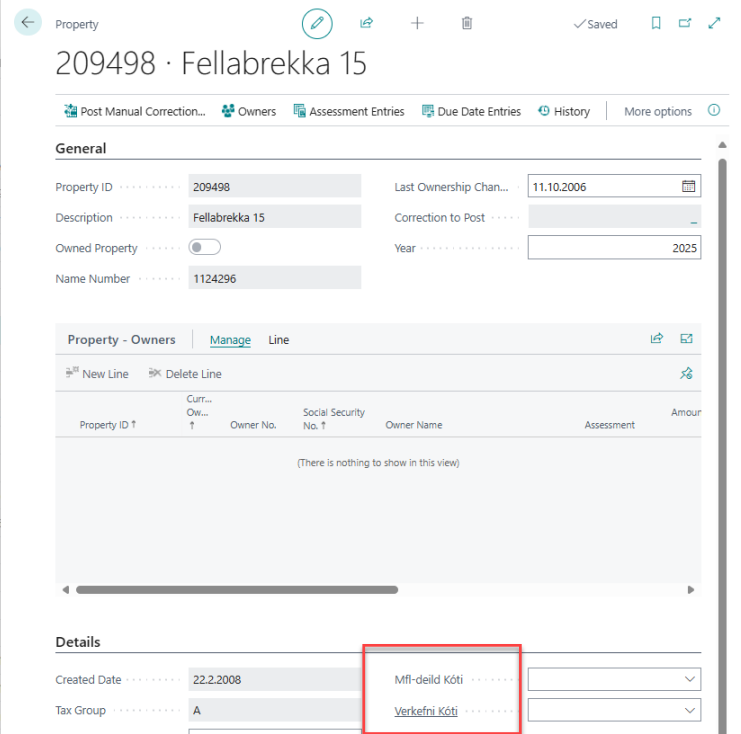
If an error appears indicating that a Department is missing for the property, you will need to open the property card for that property and enter the correct value. Click the "Property List" button (Under “Basa Data”) in the Property Tax Period panel, locate the property in the list, and click the pencil icon. The Department field is updated in the "Details" section of the panel. You may also enter a project if applicable.
Once these types of errors no longer appear, you can return to the General Journal (ensure the correct period is selected) and post the entries.
When the window is closed, a prompt will appear asking what action was taken in the journal. Select “Journal from assignment posted” and confirm by clicking OK.