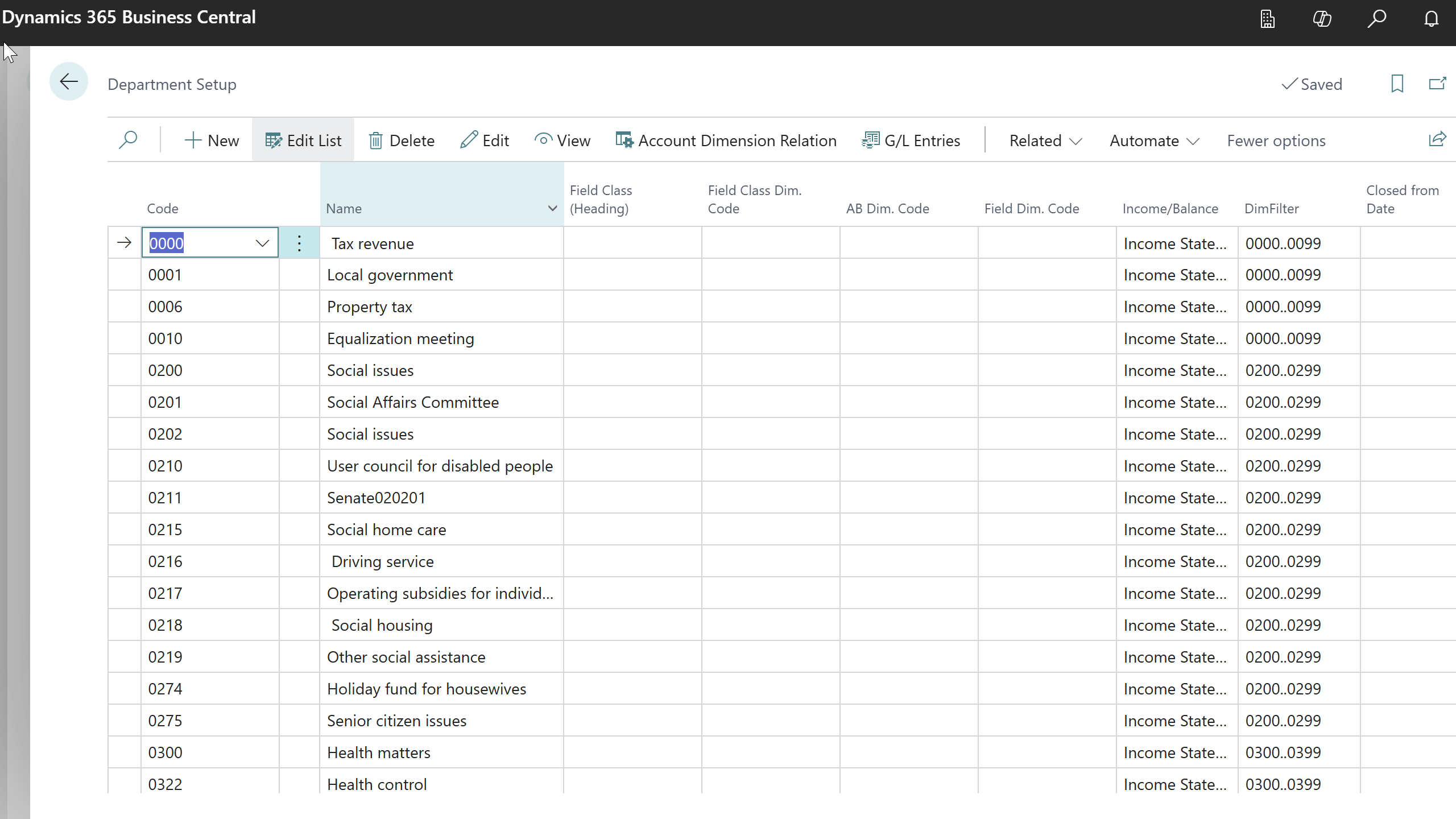
The Municipality Setup is the central configuration point for the entire system:
-
Navigate to Administration > Municipality Setup
-
Complete all required configuration tabs
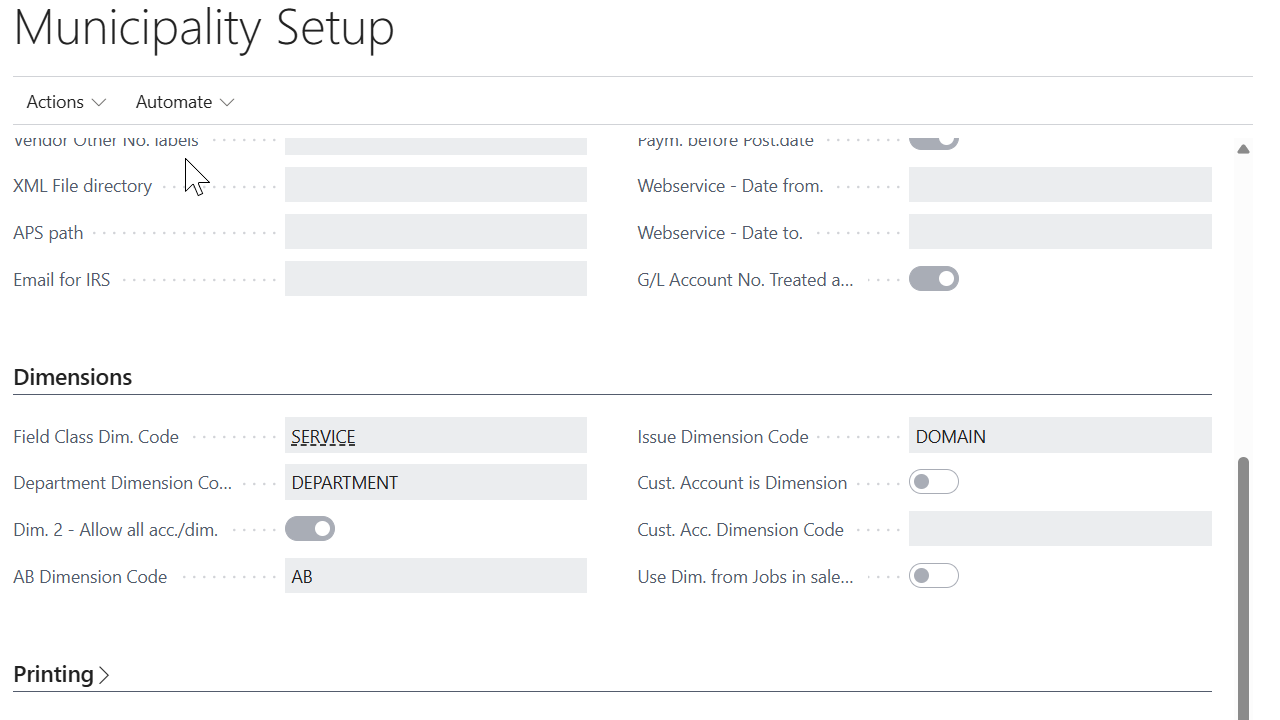
General Tab
Configure basic municipality information:
-
Municipality Name: Official name of the municipality
-
Registration Number: Municipal registration number
-
Address Information: Complete municipal address
-
Contact Information: Phone, fax, email addresses
-
Logo: Municipal logo for documents and reports
Numbering Tab
Set up number series for different document types:
-
Job Request Numbers: Format for job request IDs
-
Business Account Numbers: Business account code format
-
Invoice Batch Numbers: Batch processing identifiers
-
Salary Statement Numbers: Statement numbering format
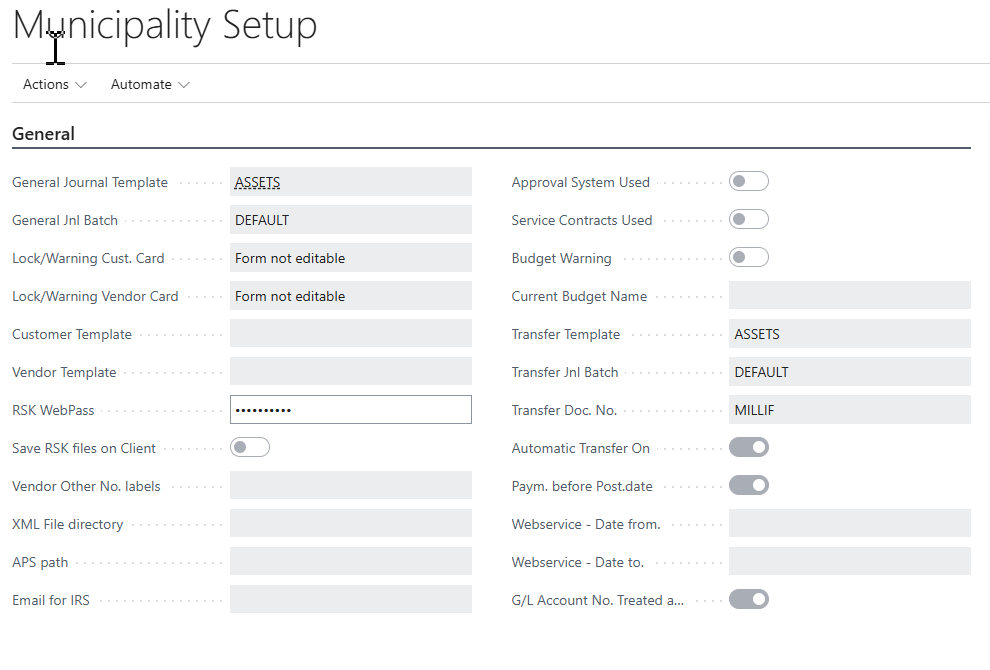
Integration Tab
Configure external system connections:
-
HMS Connection: Housing Management System settings
-
RSK Settings: Tax Authority connection parameters
-
National Registry: Person/company lookup configuration
-
Banking Integration: Bank file format settings
Dimensions Tab
Set up dimensional analysis:
-
Department Dimension: Link to department codes
-
Project Dimension: Link to project tracking
-
Cost Center Dimension: Cost accounting setup
-
Field Class Dimension: Functional area classification
INSERT SCREENSHOT of: Municipality Setup Integration tab showing external system settings
Department Setup
Configure municipal departments for proper organization:
-
Navigate to Administration > Department Setup
-
Create departments with:
-
Department Code: Unique identifier
-
Department Name: Full department name
-
Department Type: Administrative, Operational, or Service
-
Manager: Department head assignment
-
Cost Center: Financial tracking code
-
Active: Enable/disable department
-