
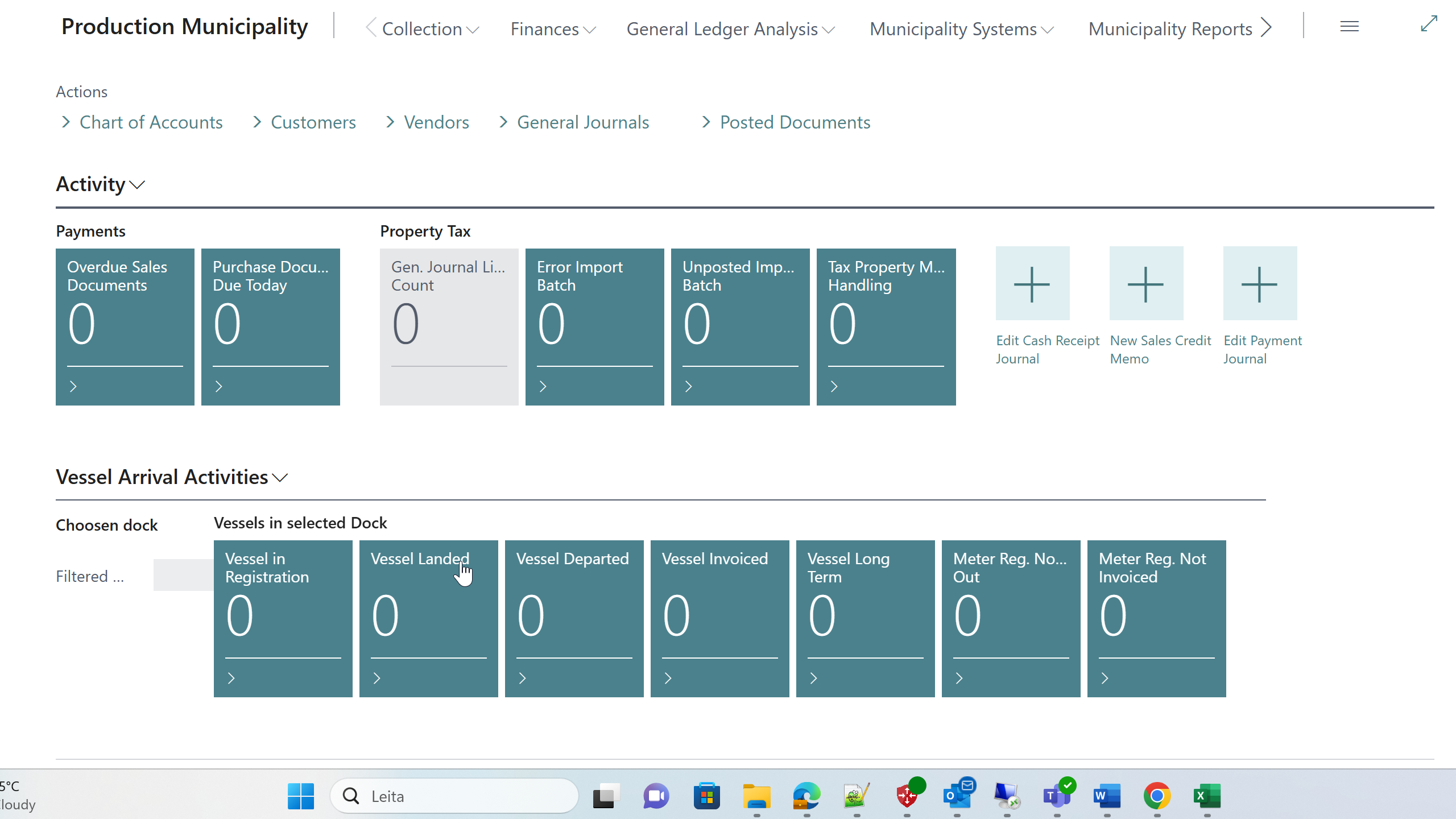
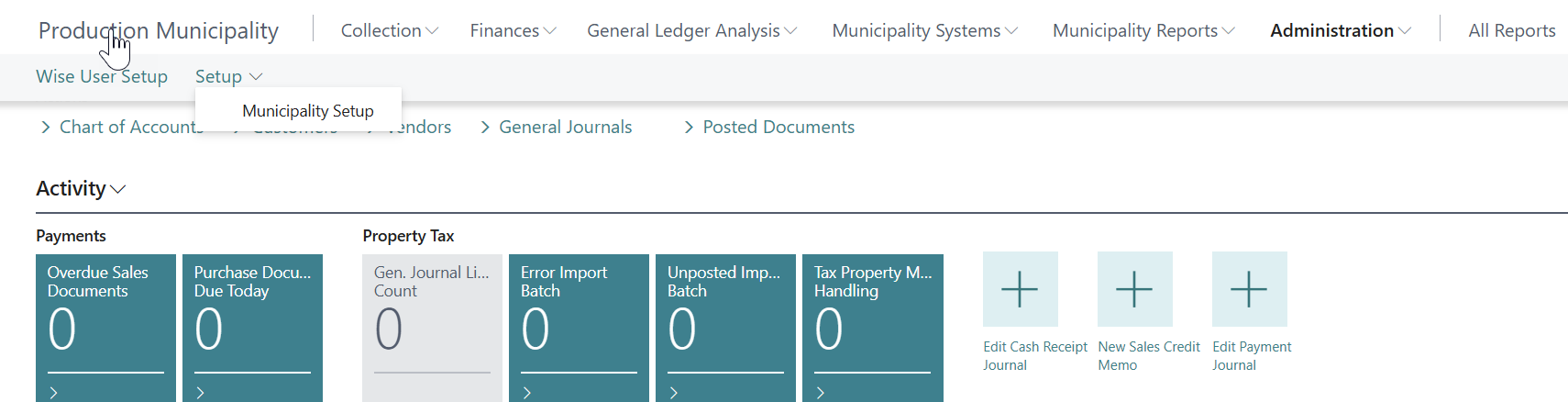
The role center provides excellent access to all system functions and graphical presentation of municipal data. The green boxes show validation of data processing. When monthly processing is complete, all should show 0.
Navigation Sections
Collection
This section handles periodic invoicing and batch processing:
-
Periodic Invoices: Manage recurring municipal service invoices
-
Invoice Batches: Mass invoice creation and processing
-
Collection Status: Track invoice processing status


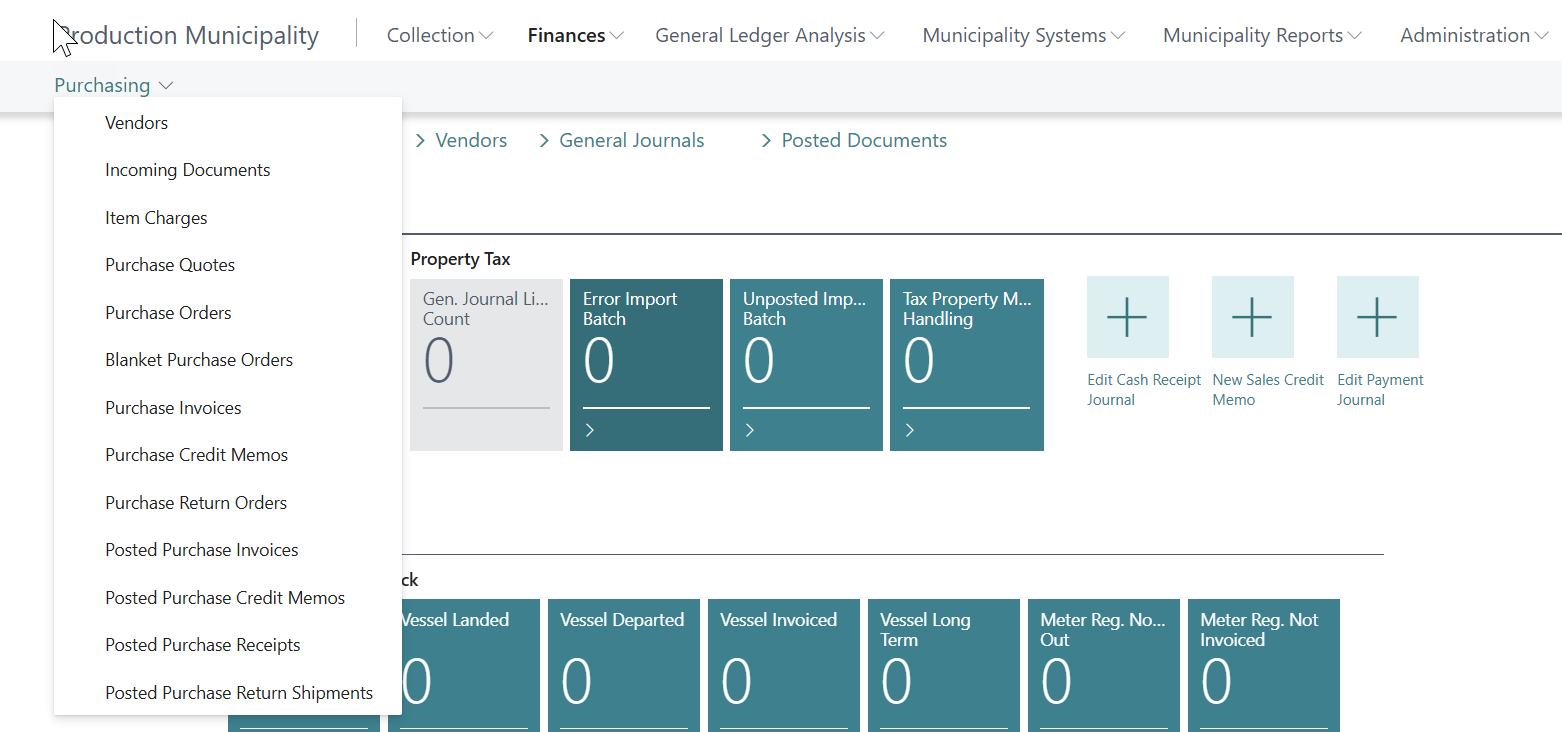
Finances
Financial management and reporting functions:
-
General Ledger: Standard BC general ledger enhanced with municipal features
-
Analysis: Dimensional analysis by department and project
-
VAT Analysis: Municipal-specific VAT reporting by global dimensions
-
Purchase Management: Enhanced purchase processing with business account integration
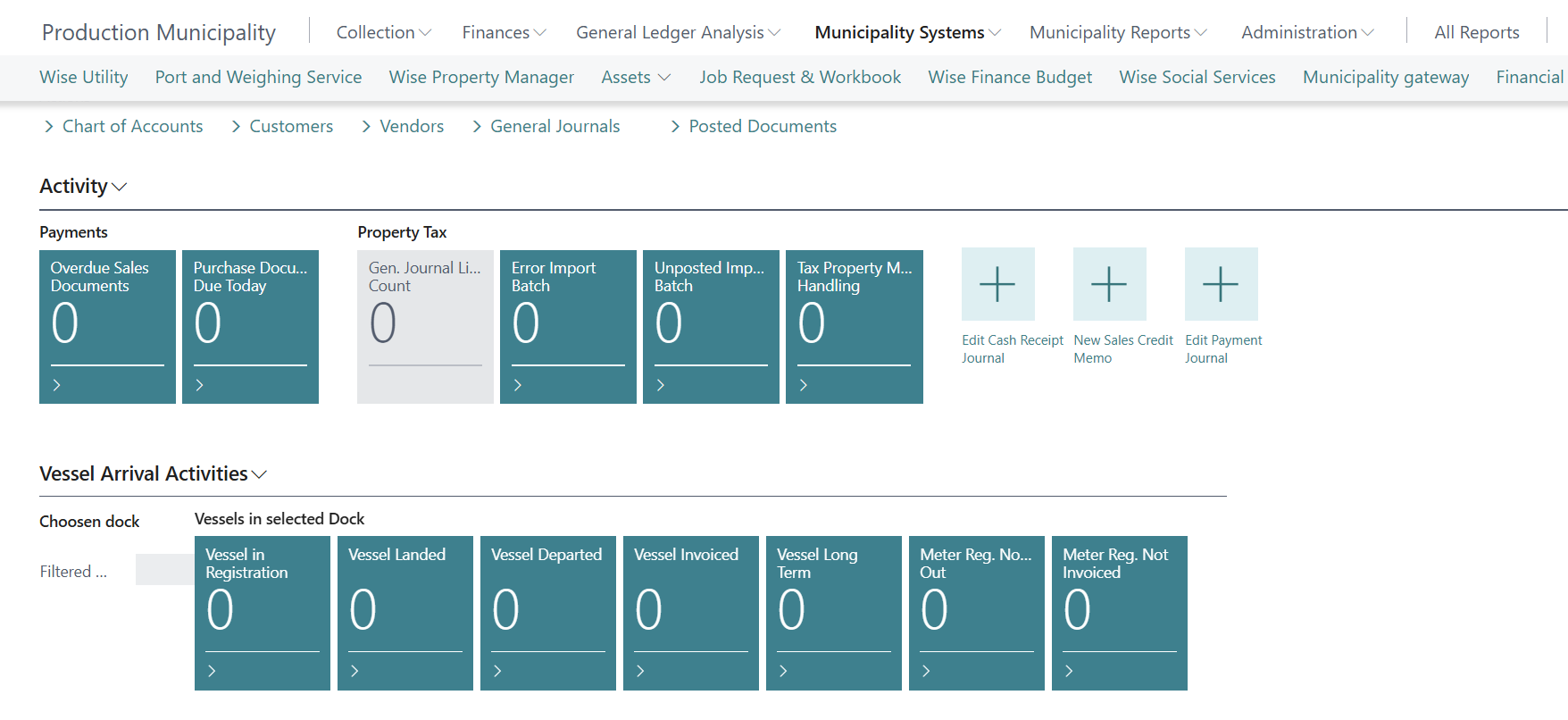
Municipality Systems
Core municipal management functions:
-
Assets: Fixed asset management with rental properties
-
Workbook: Employee time tracking system
-
Job Requests: Work request and task management
-
Business Accounts: Central business account management
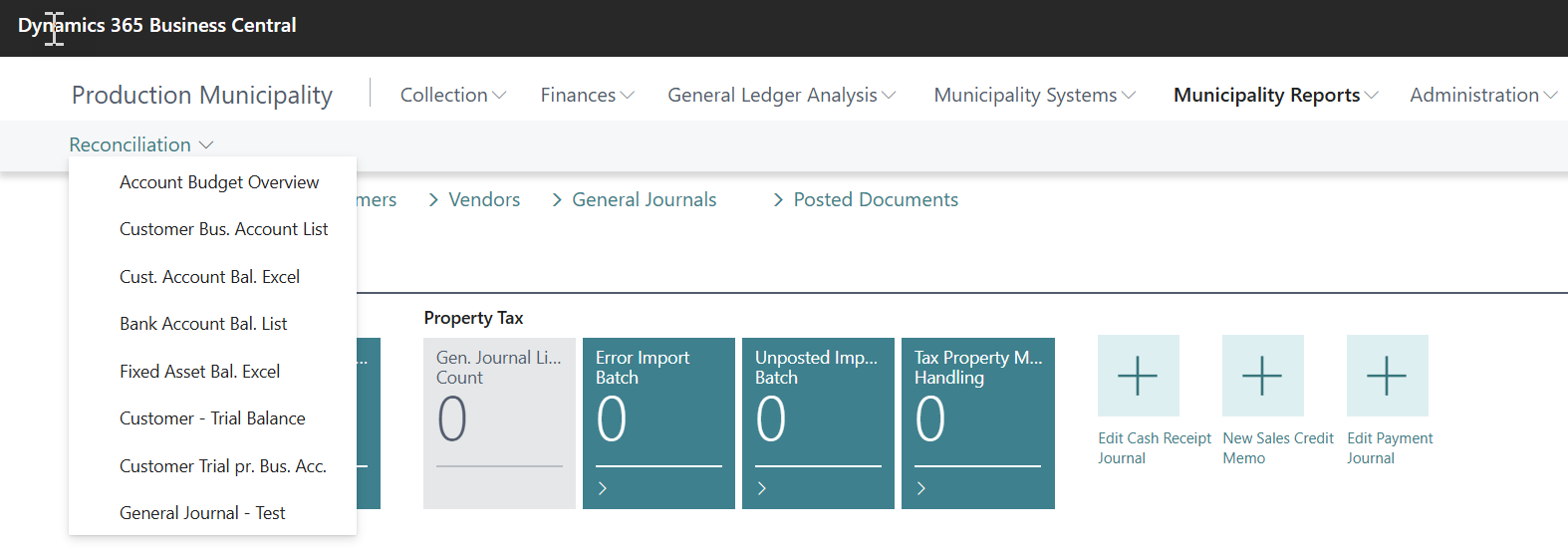
Reports
Municipal-specific reporting:
-
Reconciliation Reports: Excel-based reconciliation for bank accounts
-
Municipal Reports: Trial balance, aging, and compliance reports
-
Budget Reports: Budget vs. actual with variance analysis
Administration
System setup and configuration:
-
User Setup: Municipal-specific user roles and permissions
-
Municipality Setup: Core system configuration
-
Department Setup: Municipal department and project management
Key Performance Indicators
The role center displays important metrics:
-
Outstanding Job Requests: Number of pending work requests
-
Periodic Invoice Status: Current month's billing status
-
Budget vs. Actual: Financial performance overview
-
Employee Workbook: Unprocessed time entries
Quick Actions
Frequently used functions are available as tiles:
-
Create Job Request: Quick work request creation
-
Process Periodic Invoices: Monthly billing workflow
-
Import Journals: Excel data import processing
-
View Customer Balance: Real-time customer account inquiry
Common Error Messages
Error: "User does not have permission to access Municipal Manager"
-
Solution: Ensure user has the WISELCS BASIC permission set and appropriate municipal manager permissions
Error: "Municipality Setup not configured"
-
Solution: Complete initial setup through Administration > Municipality Setup
Error: "No active period for processing"
-
Solution: Create current period in Periodic Invoicing setup
Note: The Municipal Manager Role Center is designed to provide a single point of access to all municipal management functions while maintaining integration with standard Business Central functionality.