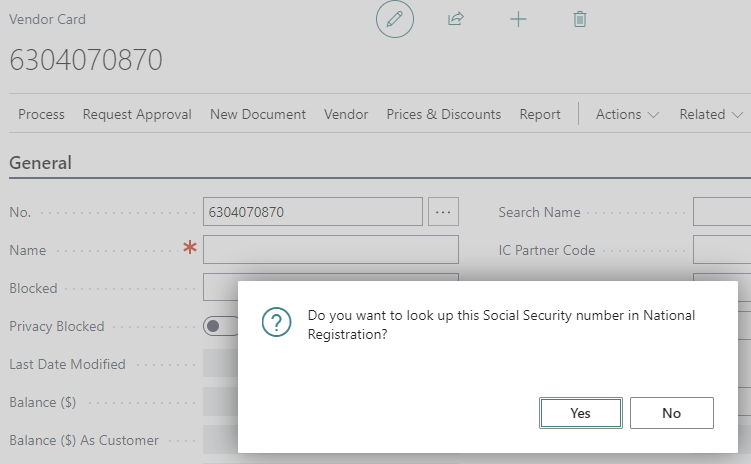
When you create a new vendor, their Icelandic Social Security No. is inserted into the No. field.
The system will then ask if it should look up the number. Click Yes.
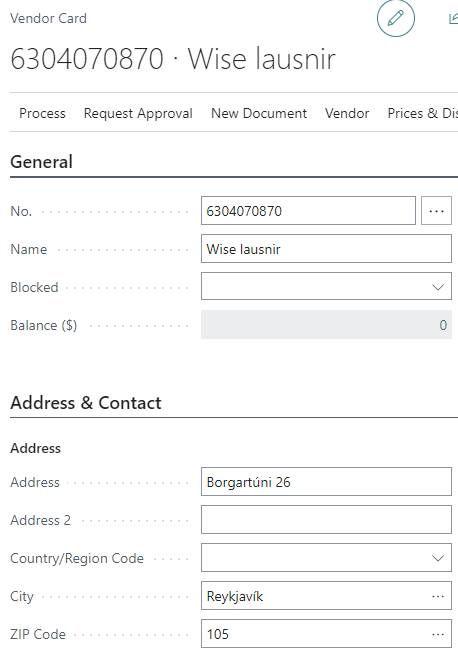
The vendor’s name and address will then be entered automatically.
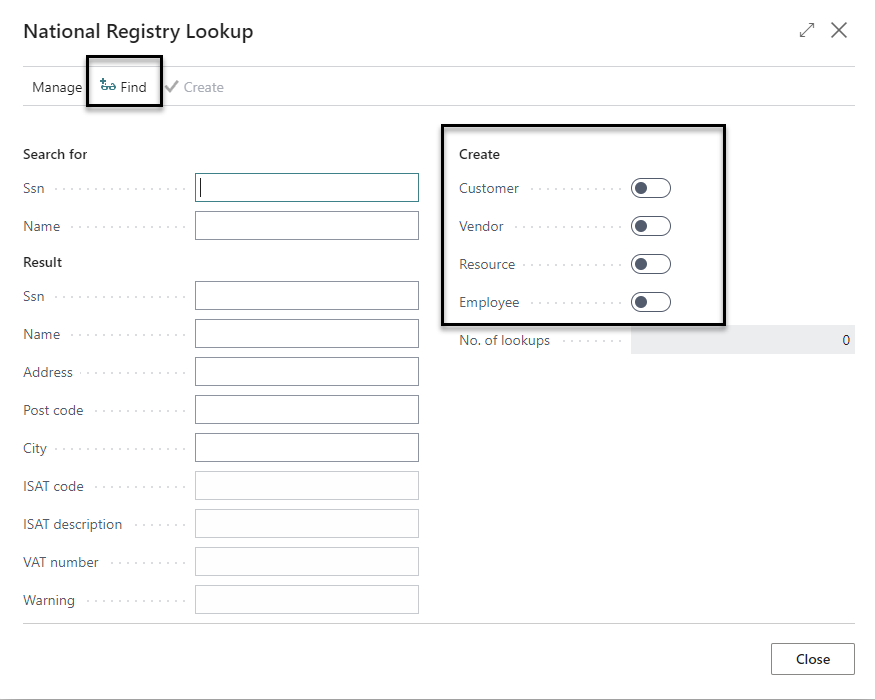
You can also search directly within the National Registry. In the Vendors view, open up Process - National Registry Lookup.

Fill out either name or SSN and click Find. You can also choose to create a customer, resource and/or employee while creating the vendor.